How to Access Web Hosting Control Panel
Open the Linux web hosting control panel from My Account.
This area should be managed by experienced web developers only.
To give your web developer access in My Account, see Create Additional Administrators.
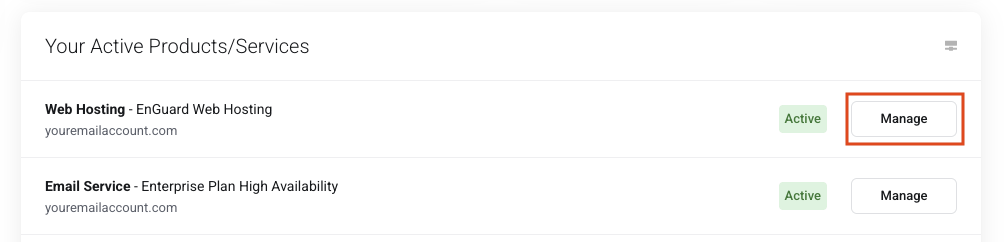
Step 1: Open Manage
On your My Account Dashboard, go to Your Active Products/Services.
Click Manage.
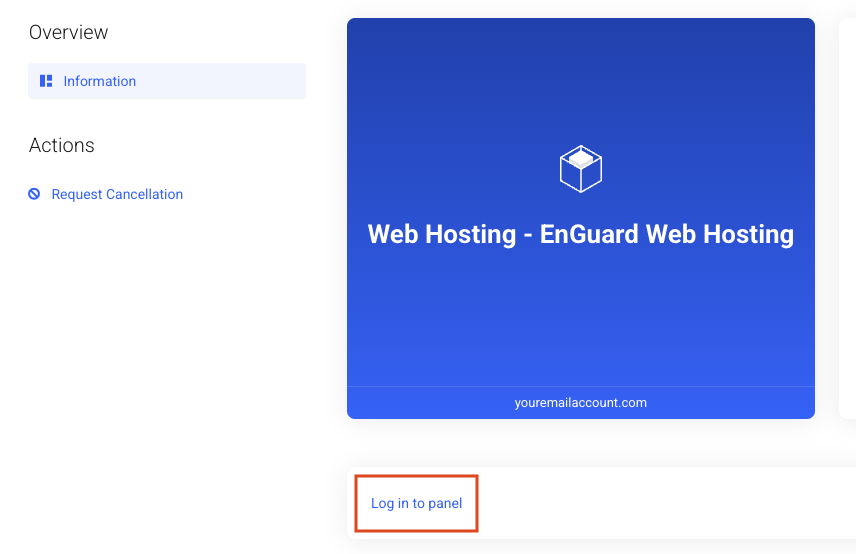
Step 2: Log in to the panel
Click Login to panel.
Step 3: Open your website
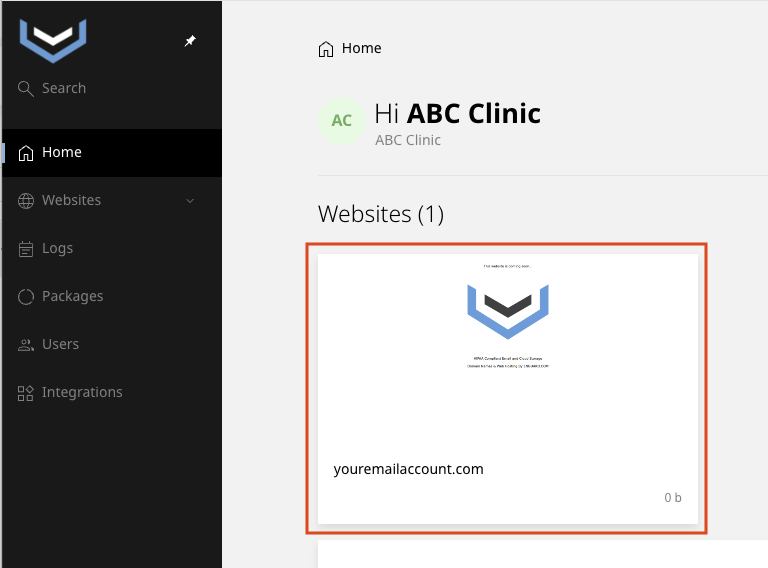
Click your Website.