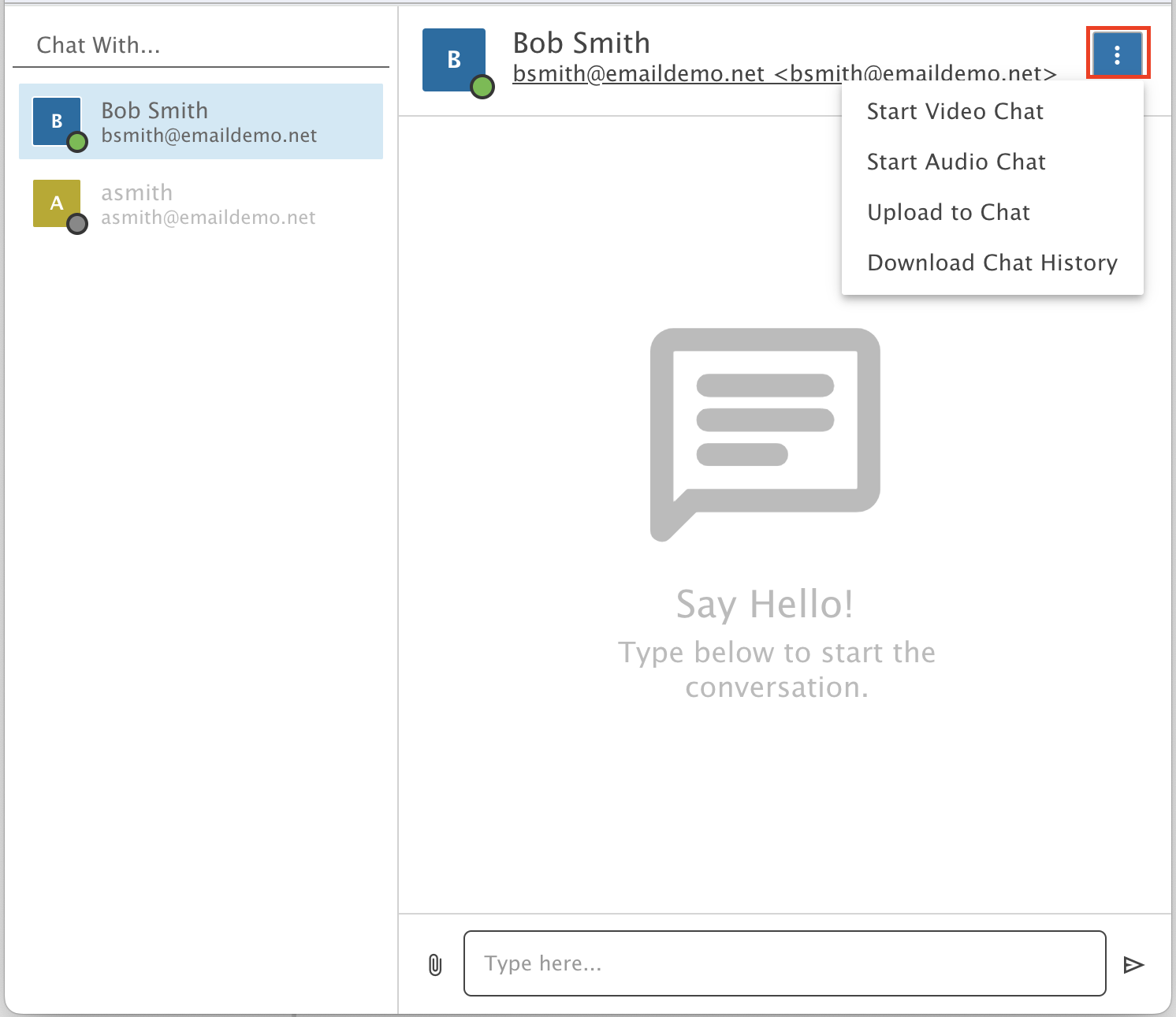
How to use EnGuard Chat
Send secure instant messages, files and start video or audio chats in Webmail.
EnGuard Chat is a secure instant messaging feature in Webmail.
You can send one-on-one text messages and files, and start a video or audio chat.
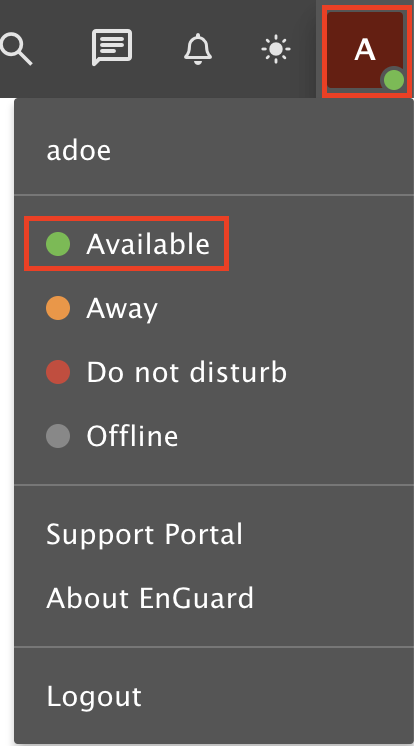
Step 1: Set your chat status
Click the letter of your name or your uploaded image in the top right menu.
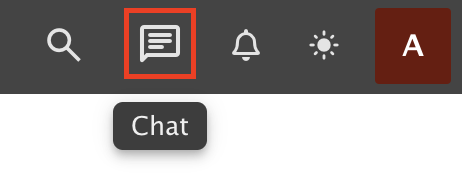
Step 2: Open the chat window
Open the EnGuard Chat Window in the top right menu.
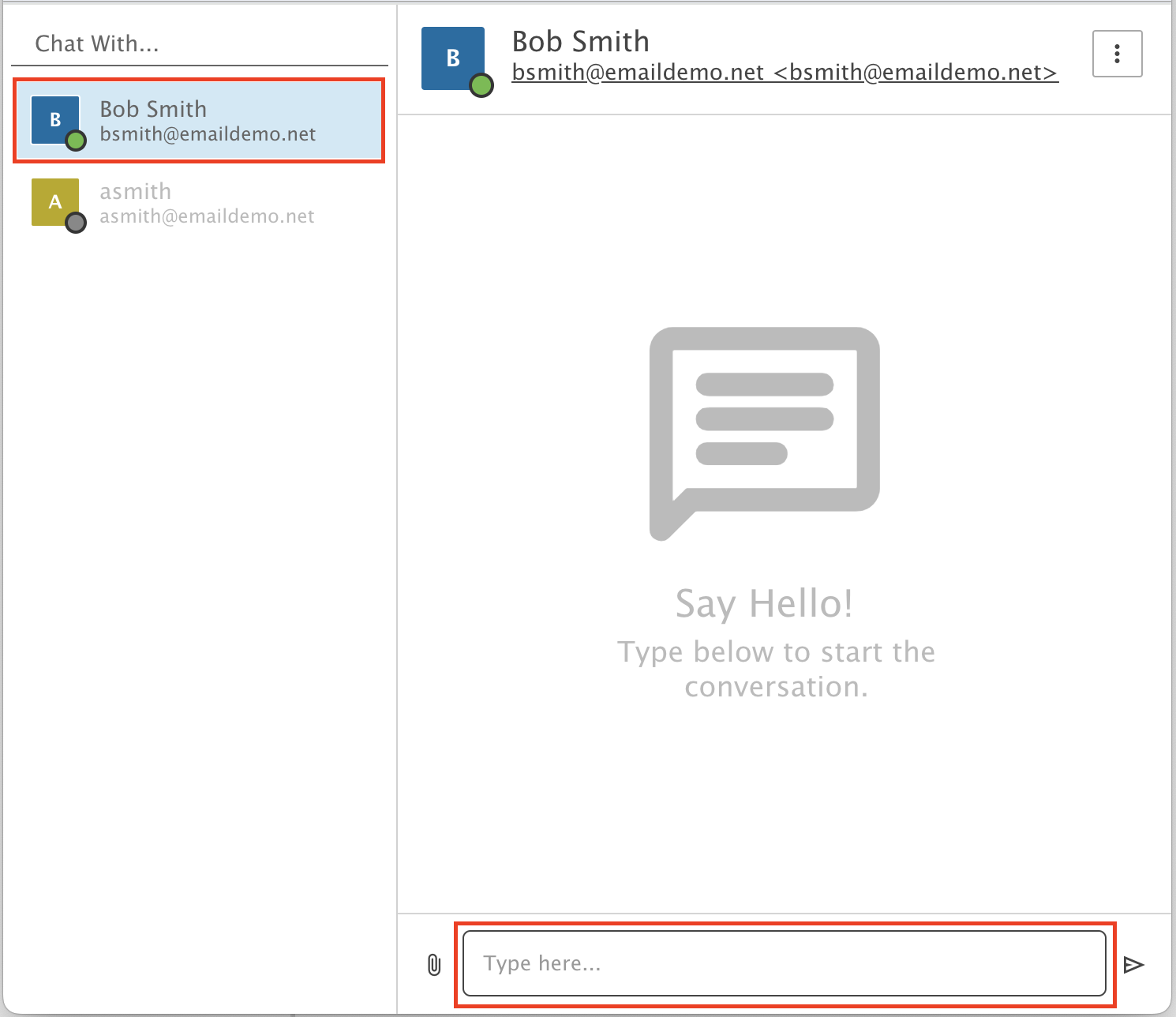
Step 3: Pick someone to chat with
Select an available user to chat with.
Step 4: Send a file or start a call
Click the menu button on the top right and choose what you want to do: send a file, or start a video or audio chat.