Search for Email Messages
Search one folder or all your folders for an email message.
Search one folder
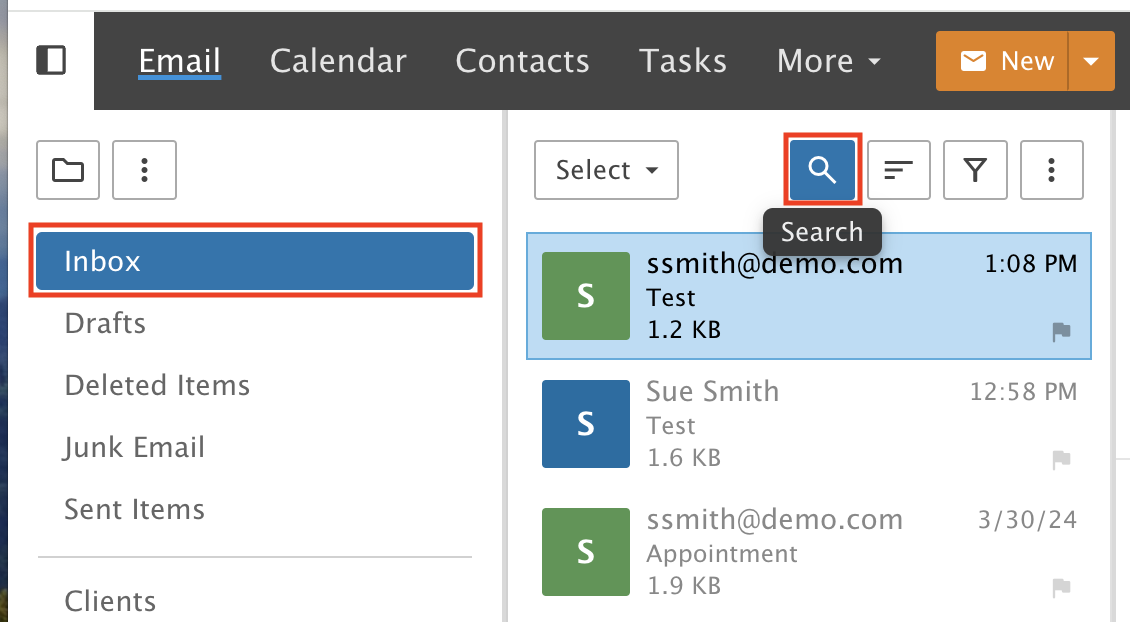
Step 1: Open the search
Select a folder to search. Click the Search Icon in the message list.
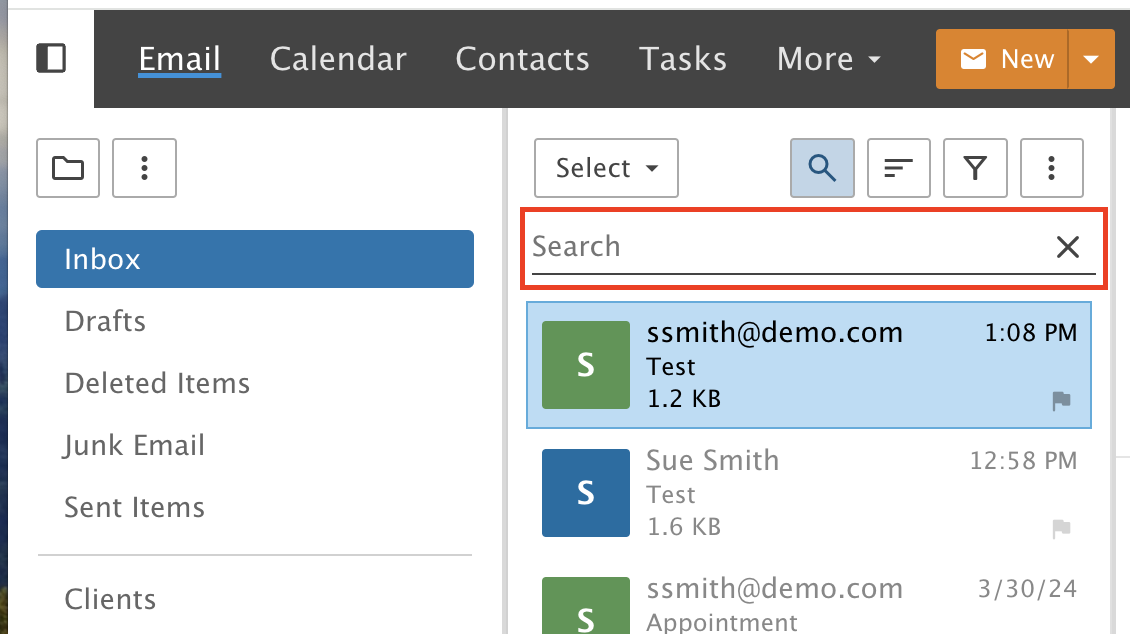
Step 2: Type your search
A Search Bar appears. Type a search term and press Enter.
The search goes through all the messages in the folder you picked. If the folder has a lot of email, it can take a little longer.
Search all folders
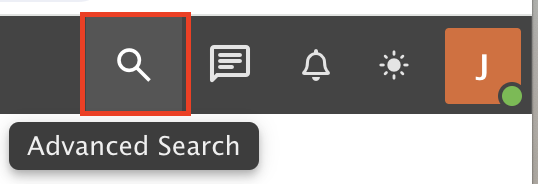
Step 3: Open Advanced Search
Use Advanced Search in the top right menu to search all folders.
Step 4: Set your search
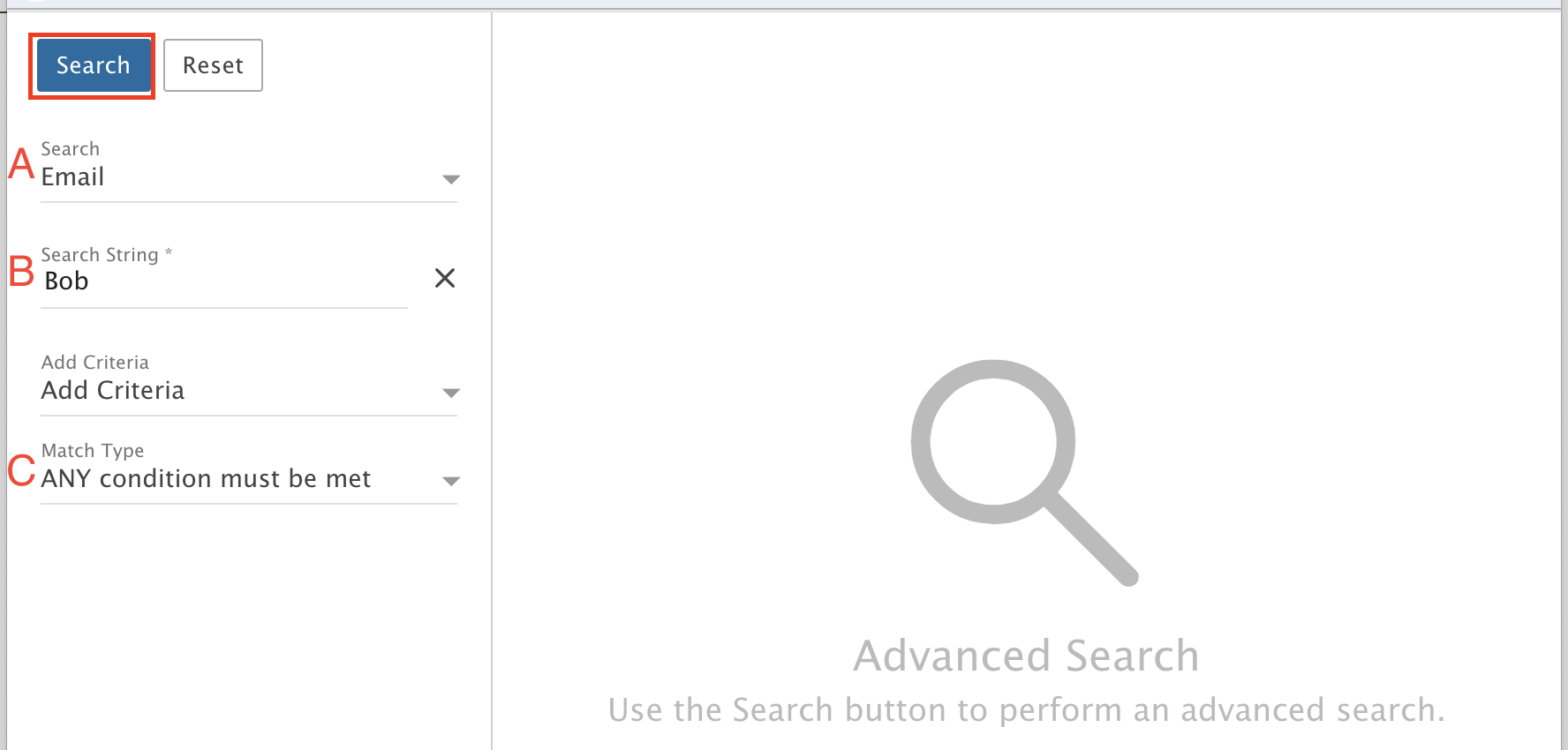
A) Select Email
B) Select Search String
C) Select ANY condition must be met
Click Search.