Disable the Preview Pane
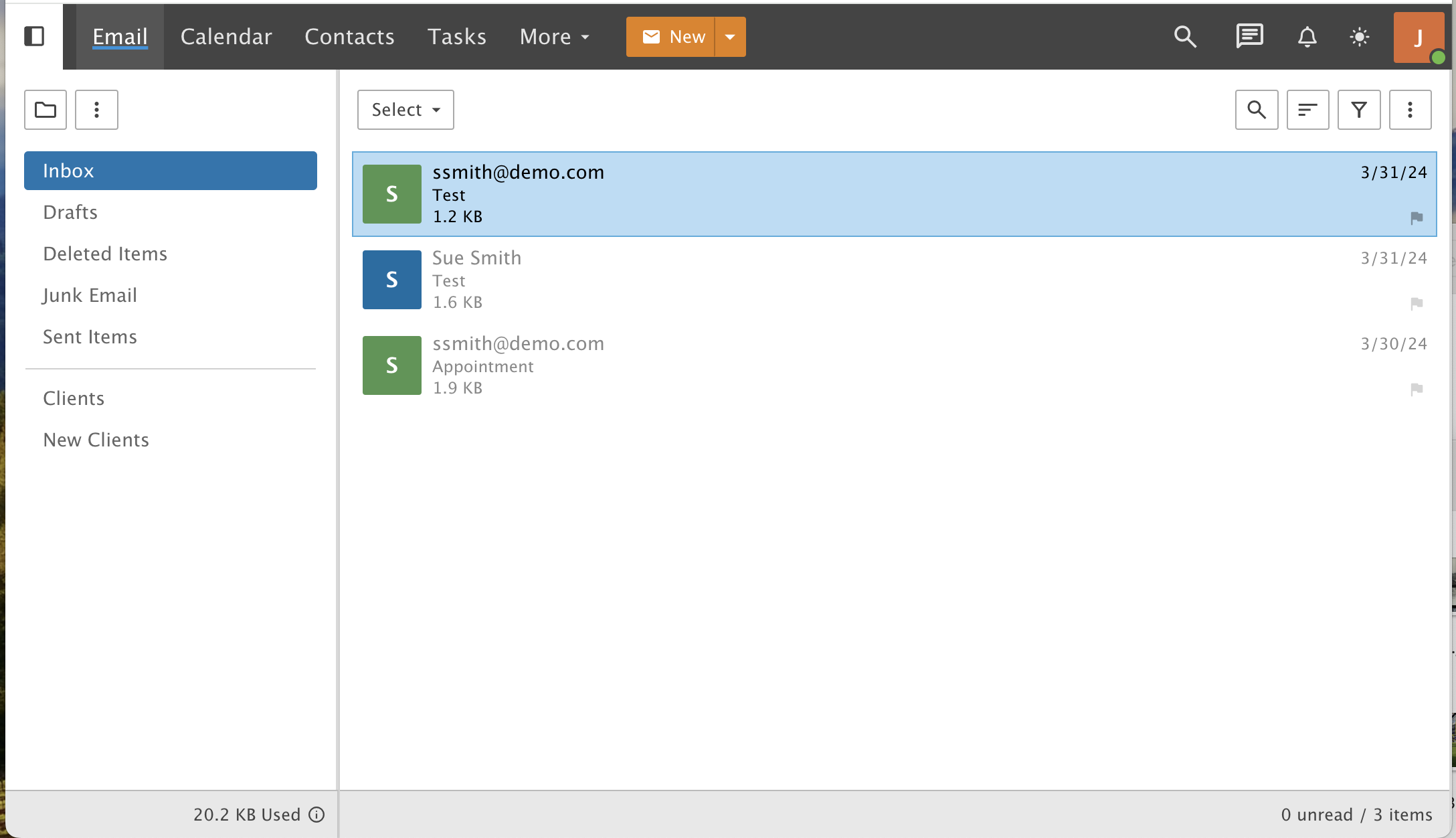
Turn off the preview pane in webmail so messages open when you double-click them.
This guide shows you how to turn off the Preview Pane. Without it, you double-click a message to open it instead of reading it on the right side of the screen.
Step 1: Open Settings
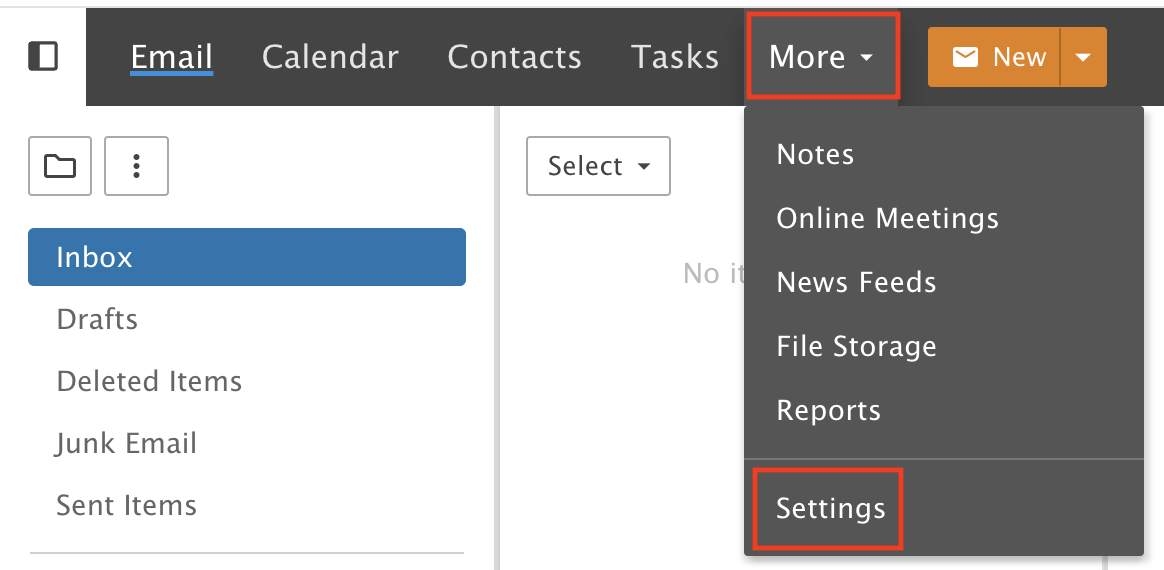
Click the More drop-down menu and choose Settings.
Step 2: Change the Preview Pane
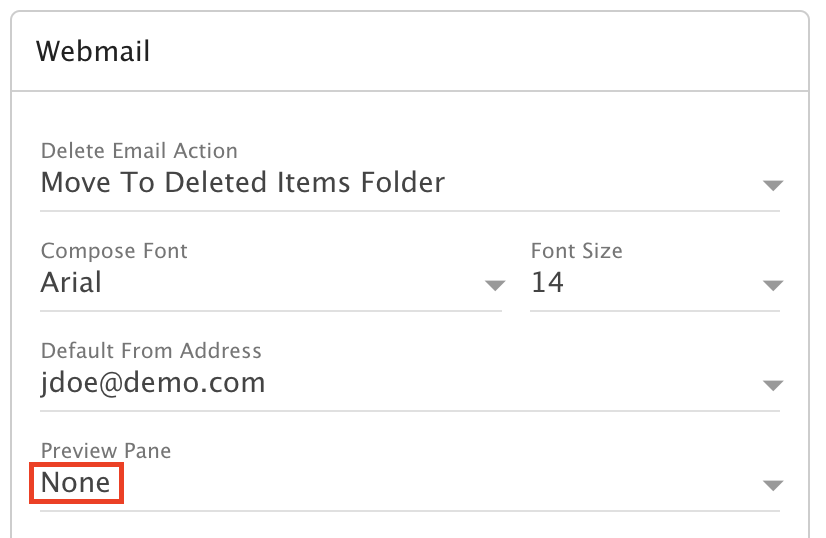
In the Webmail tile, open the Preview Pane drop-down and select None.
Step 3: Save
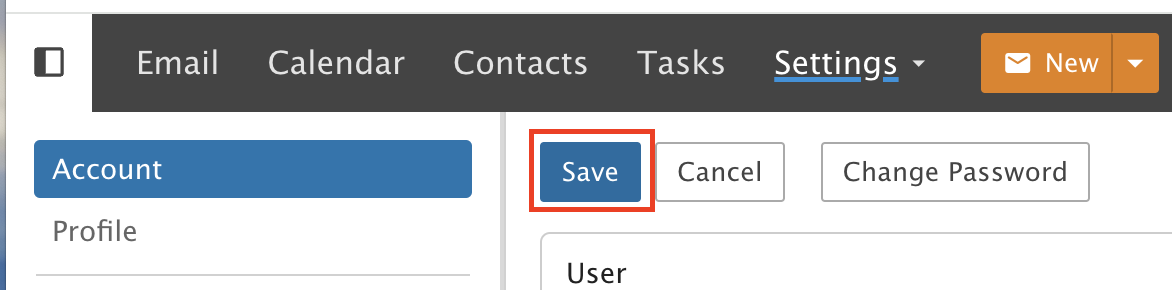
Click Save.