Enable / Disable Mobile Sync
Turn Mobile Sync on or off for your users.
Mobile Sync uses Microsoft Exchange technology to push email to your device in real time. It also syncs your calendar, contacts, tasks and notes.
This feature is only available if you added it to your plan. The Enterprise Plan includes it.
Step 0: Open your email management page
See this short guide to get to the page where you manage a domain's email service: How to Get to Your Email Management Page
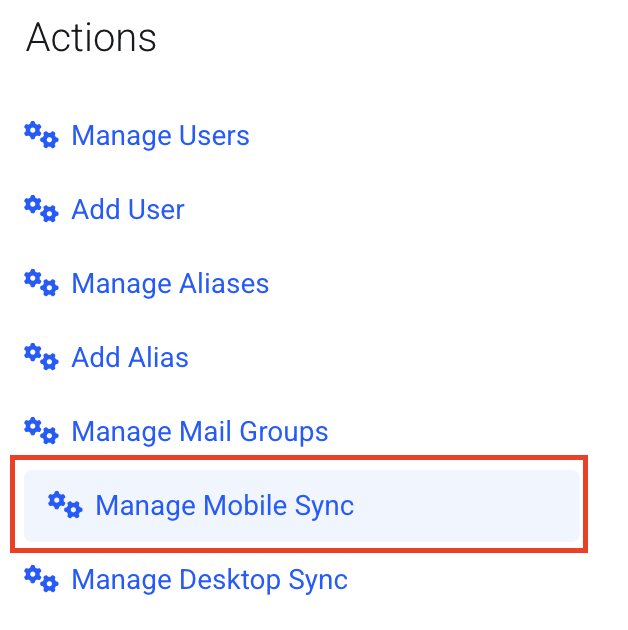
Step 1: Open Manage Mobile Sync
Click Manage Mobile Sync.
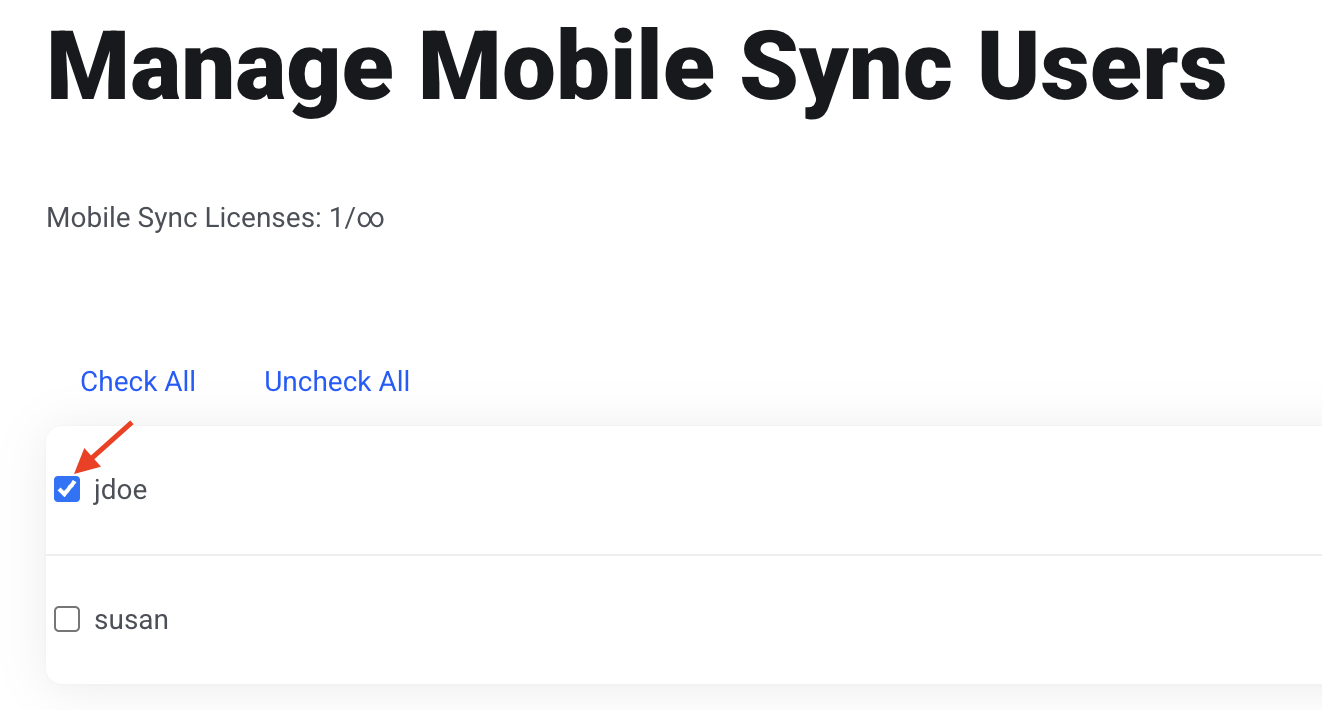
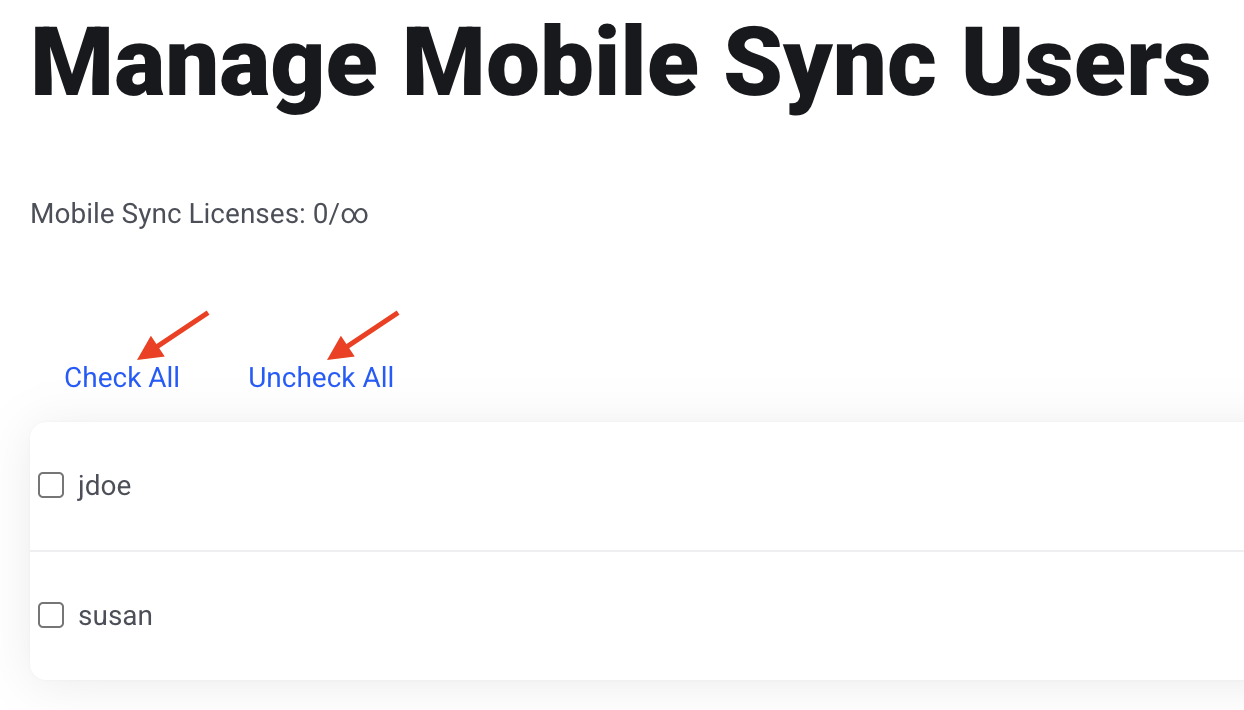
Step 2: Check the users to turn on
Check the box next to each user you want to enable.
To turn off Mobile Sync, uncheck the box.
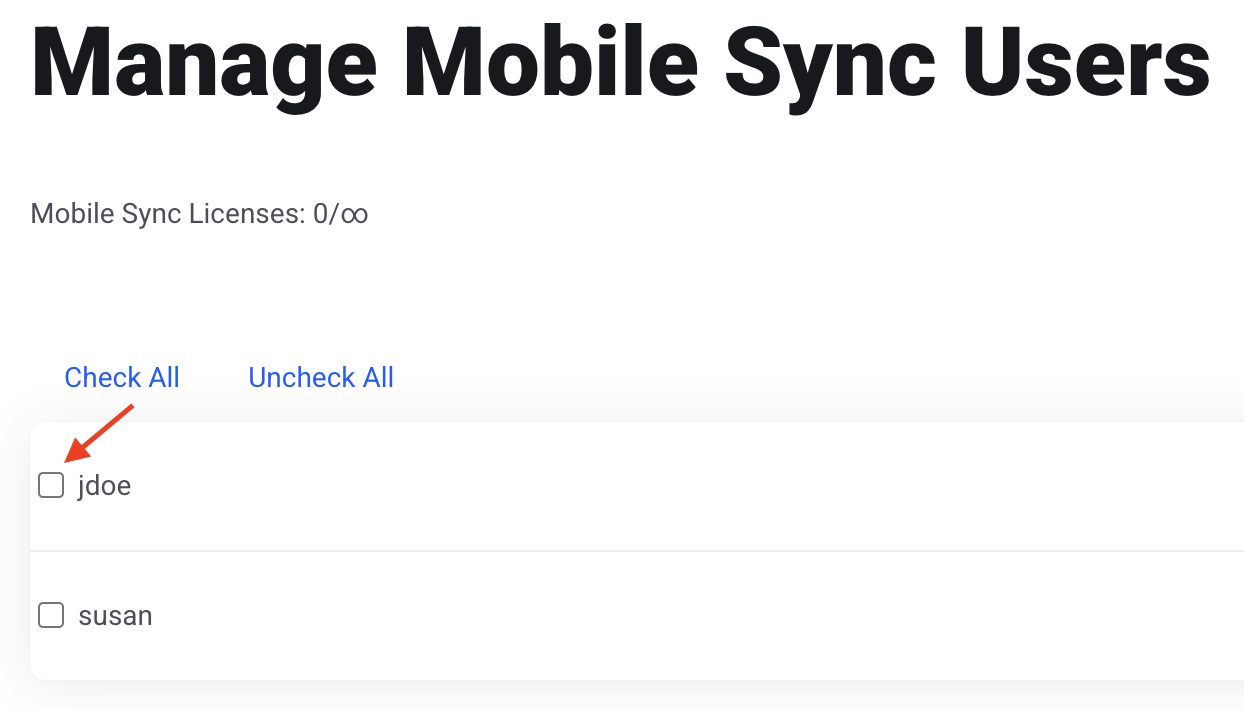
You can also use Check All or Uncheck All to change everyone at once.
Step 3: Save
Click Save Changes.