

How to find your mail server address
Find your mail server address, which you need to add your email to a phone, computer program or office device.
EnGuard has several mail servers, so please do not use a search engine to find your webmail login page. Follow the steps below to get the right address.
You will use your mail server address for both the incoming mail server and the outgoing mail server settings when you add your email account to:
- Mobile devices (Apple and Android)
- Desktop programs such as Outlook, Apple Mail and Thunderbird
- Office machines
- Any other device or program
Step 1: Open webmail in your browser
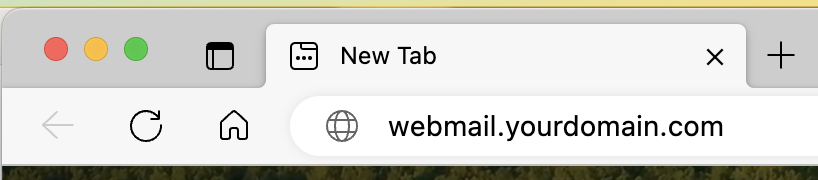
Open a web browser on your computer and type webmail.yourdomain.com in the address bar. Replace yourdomain.com with your own domain name.
For example, if your email address is bob@xyzhealth.com, type webmail.xyzhealth.com.
Type it in the address bar at the top of the browser, not in a search box (Google, Bing, Yahoo and so on). Do not type http:// or https:// in front of it.
Step 2: Find your mail server address
You will be sent to your mail server automatically. Your mail server address is the first part of the web address you land on.
In this example, the mail server address is mail.enguard.com.

Step 3: Write it down
Write down your mail server address. You will need it for the steps below.